Import NES, FC, and compatible ROM files, review game details, and keep your library readable in light or dark mode.
Built for a quiet retro workflow
Everything around the game stays simple.
Retro Emulator keeps the core loop clear: find a file you are allowed to use, import it, play it, save your progress, and return later without sorting through clutter.
Use auto saves and manual save slots, rename progress points, and return to the moment you care about.
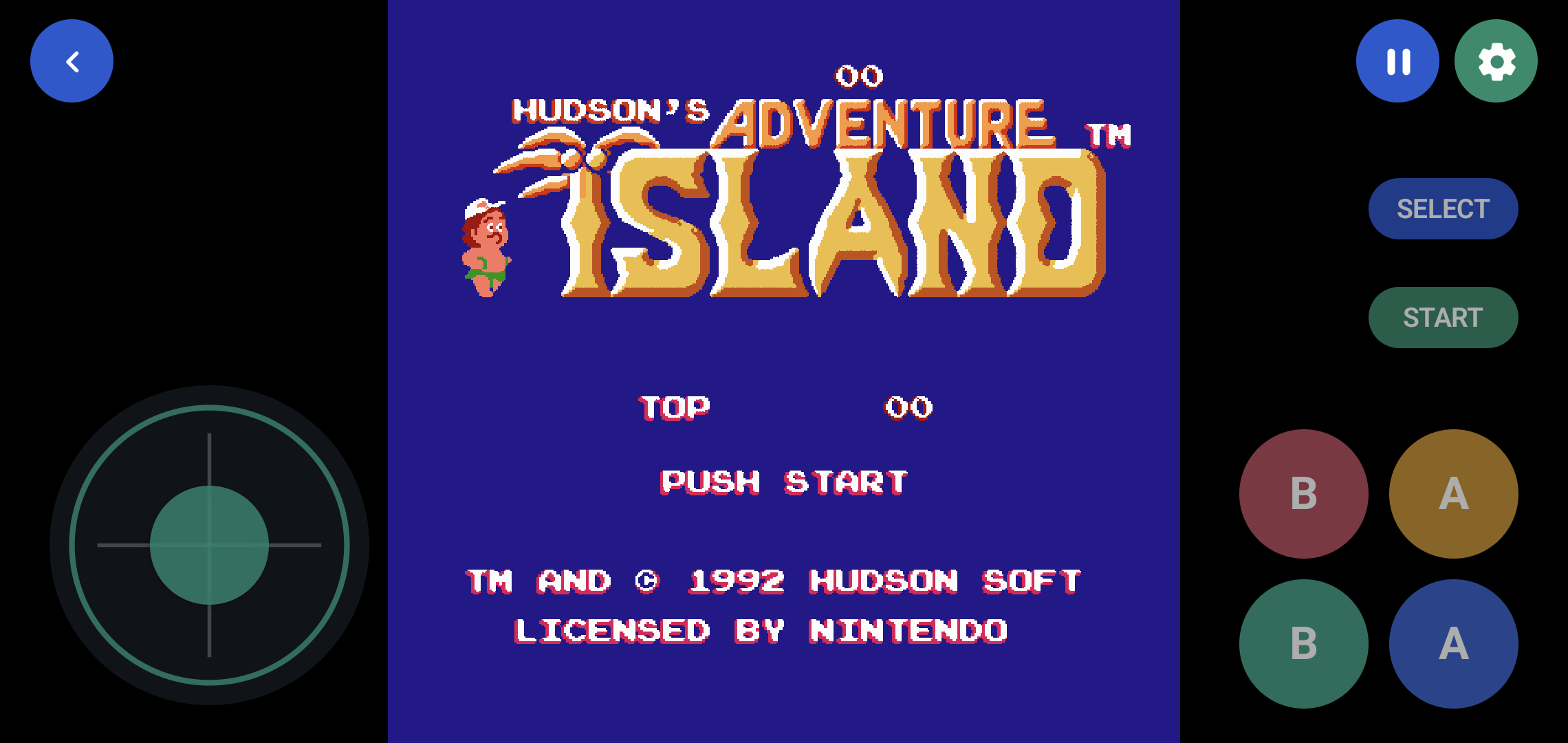
Play with on-screen controls or connect a supported Bluetooth or USB gamepad for a more familiar setup.
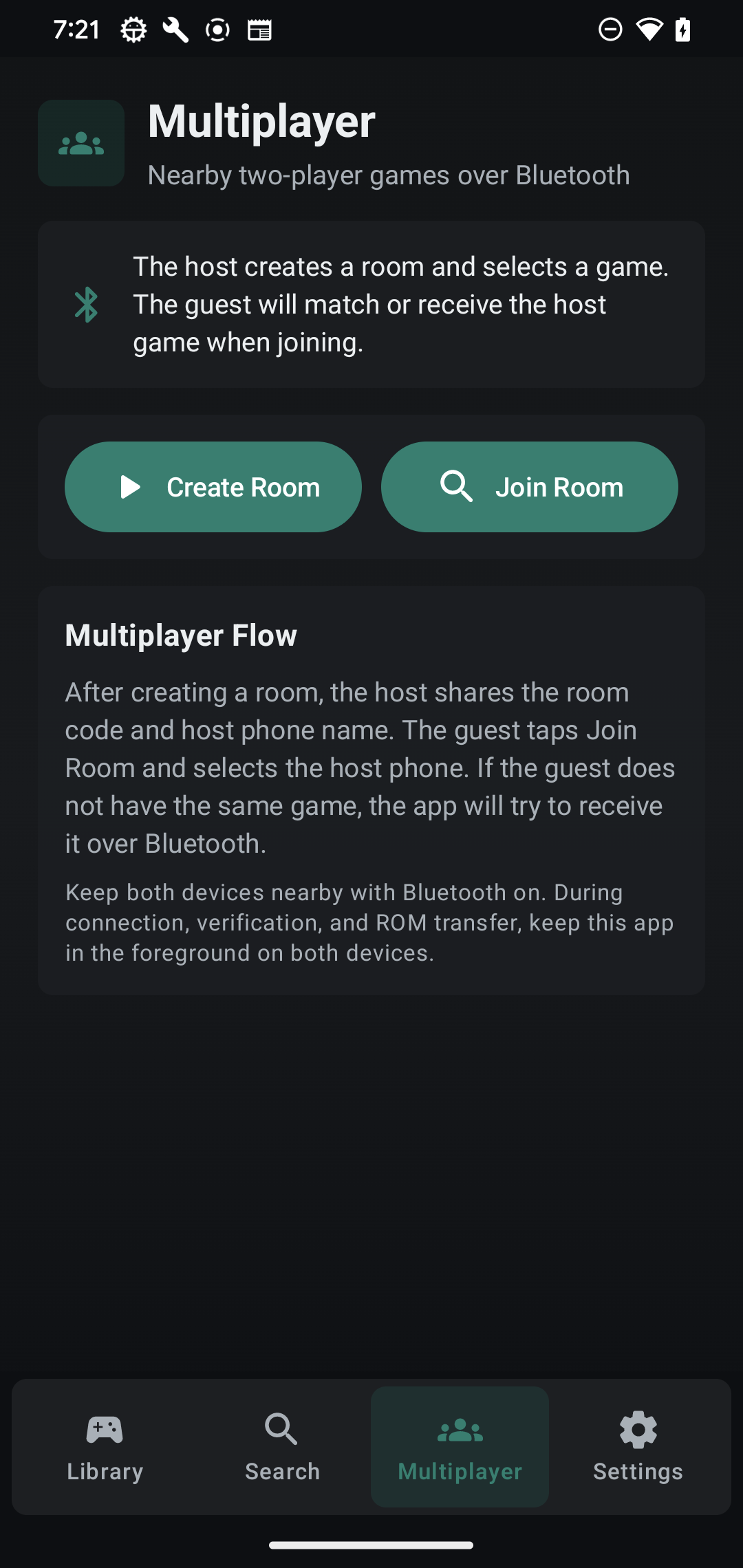
Create or join a nearby Bluetooth room and play supported two-player games together without a server account.
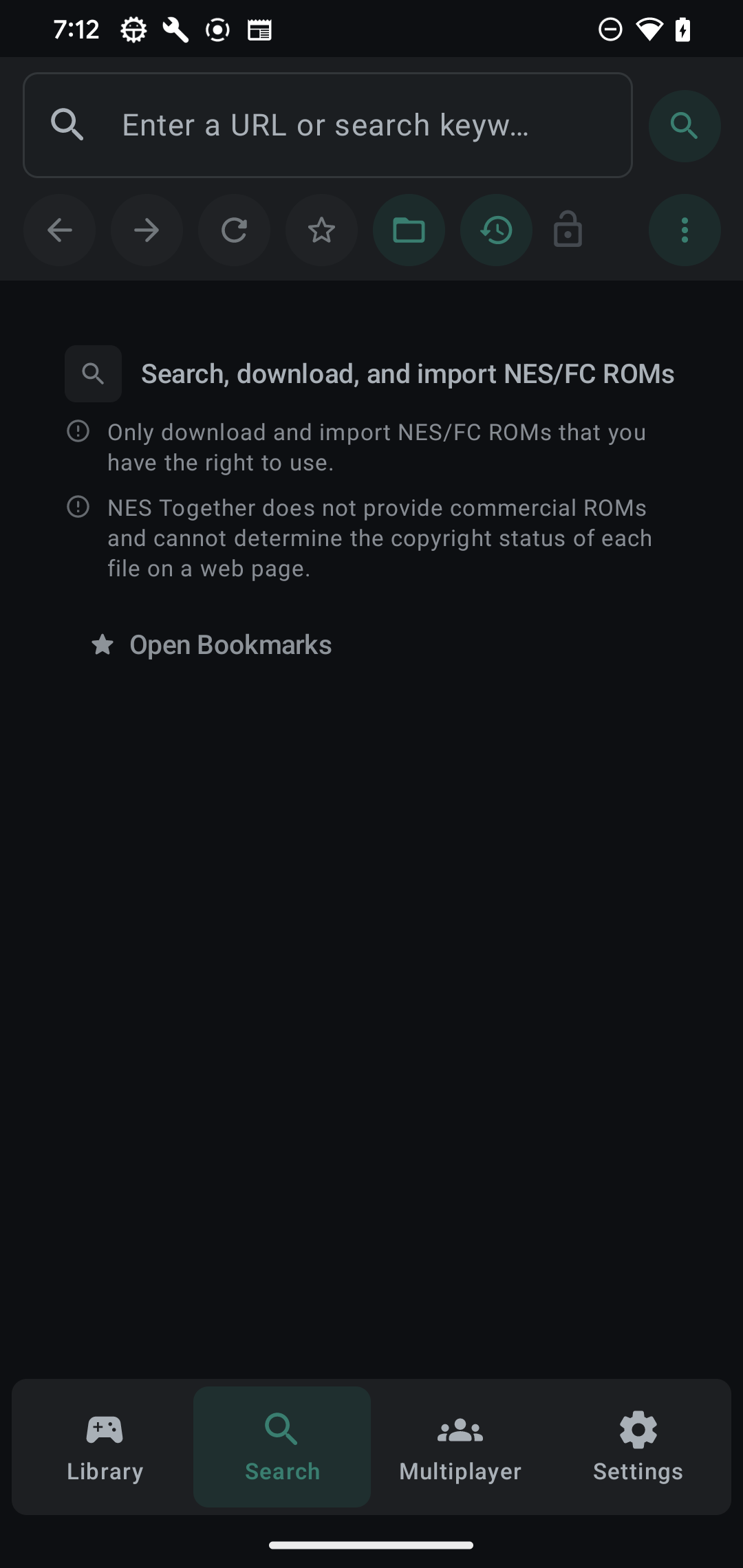
Use the in-app Search tab to browse the web, download compatible files, and import them into your library.
Review the privacy policy from the app or website and control diagnostics before sharing device information.
Screens from the app
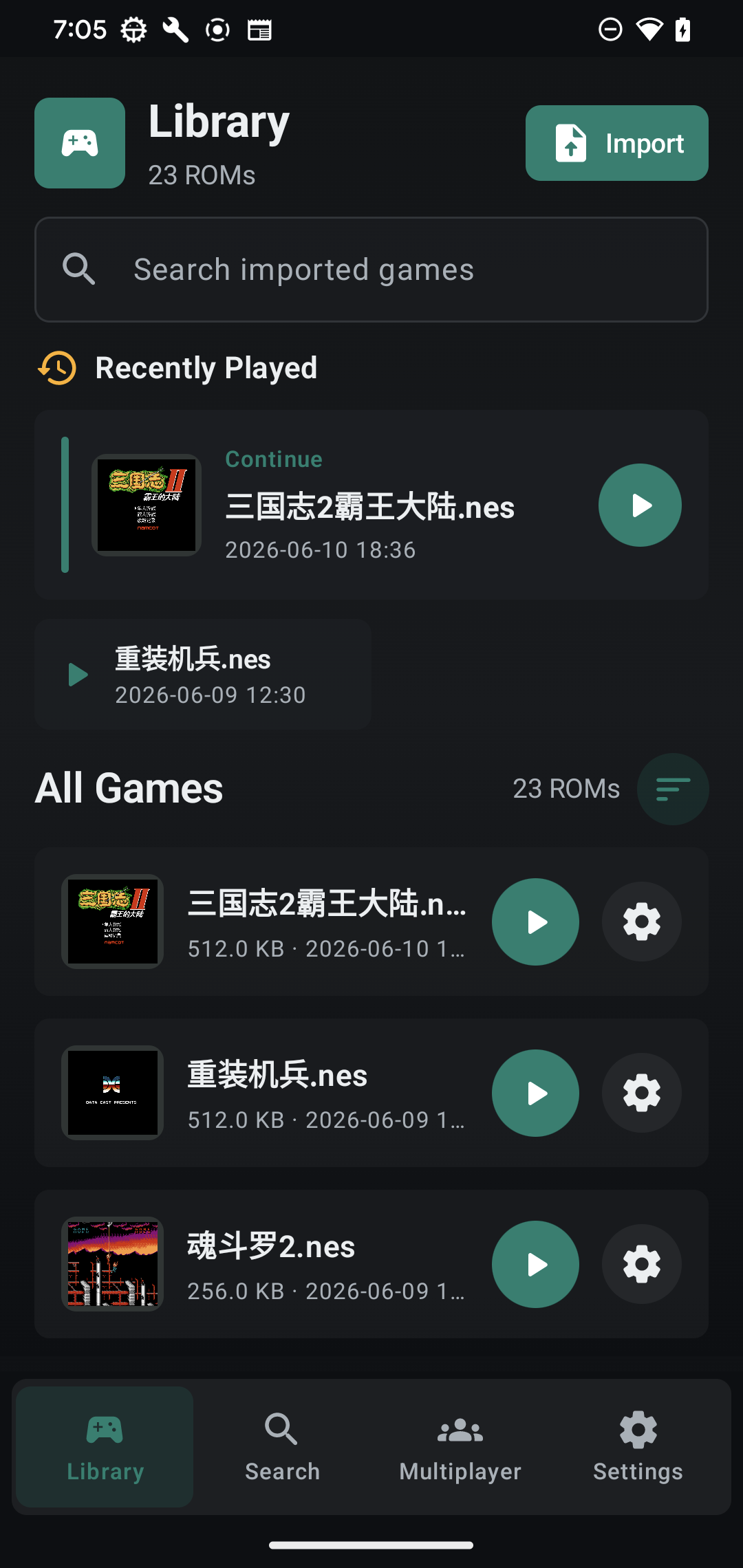
Library, search, gameplay, and multiplayer are one tap apart.
The interface is designed for repeated use: compact navigation, readable lists, large play controls, and direct access to details, saves, settings, and nearby rooms.
How it works
Bring your own games. Retro Emulator handles the app side.
Import a compatible ROM
Choose a file from Android, share it into the app, or import a compatible download from the Search tab.
Play with your preferred controls
Use touch controls, adjust player settings, or connect a supported controller when you want physical buttons.
Save, resume, or play nearby
Keep progress organized with save states, then continue solo or create a nearby Bluetooth room.
ROM policy
No commercial games are bundled.
Retro Emulator is an emulator and library app. It does not include commercial ROMs. Use ROM files that you own or are legally allowed to use, such as homebrew, public-domain, open-source, or self-backed-up games.